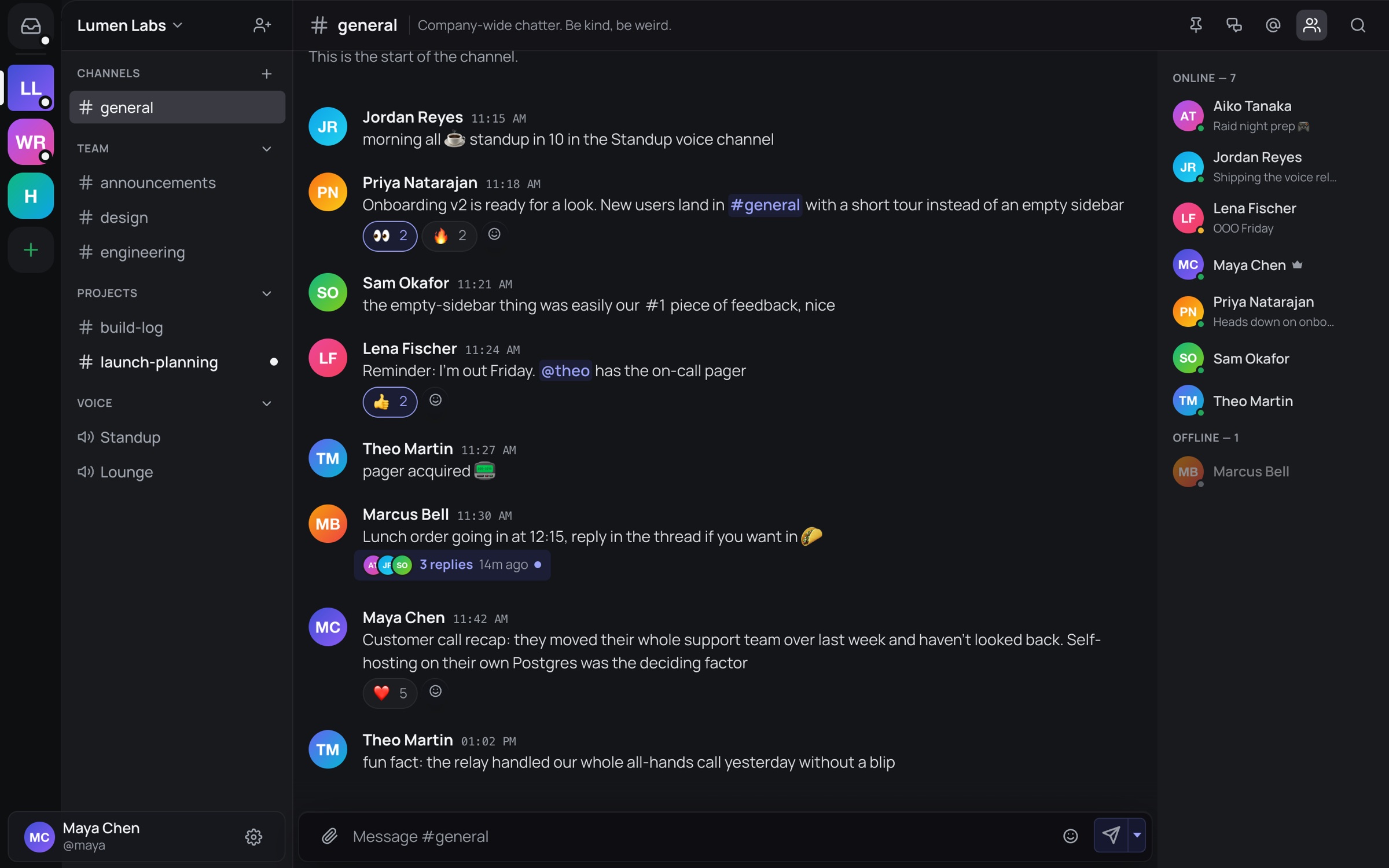
Keep the conversation going.
Organized channels, real conversations and the tools to keep them tidy. Every screenshot on this page is the real app.
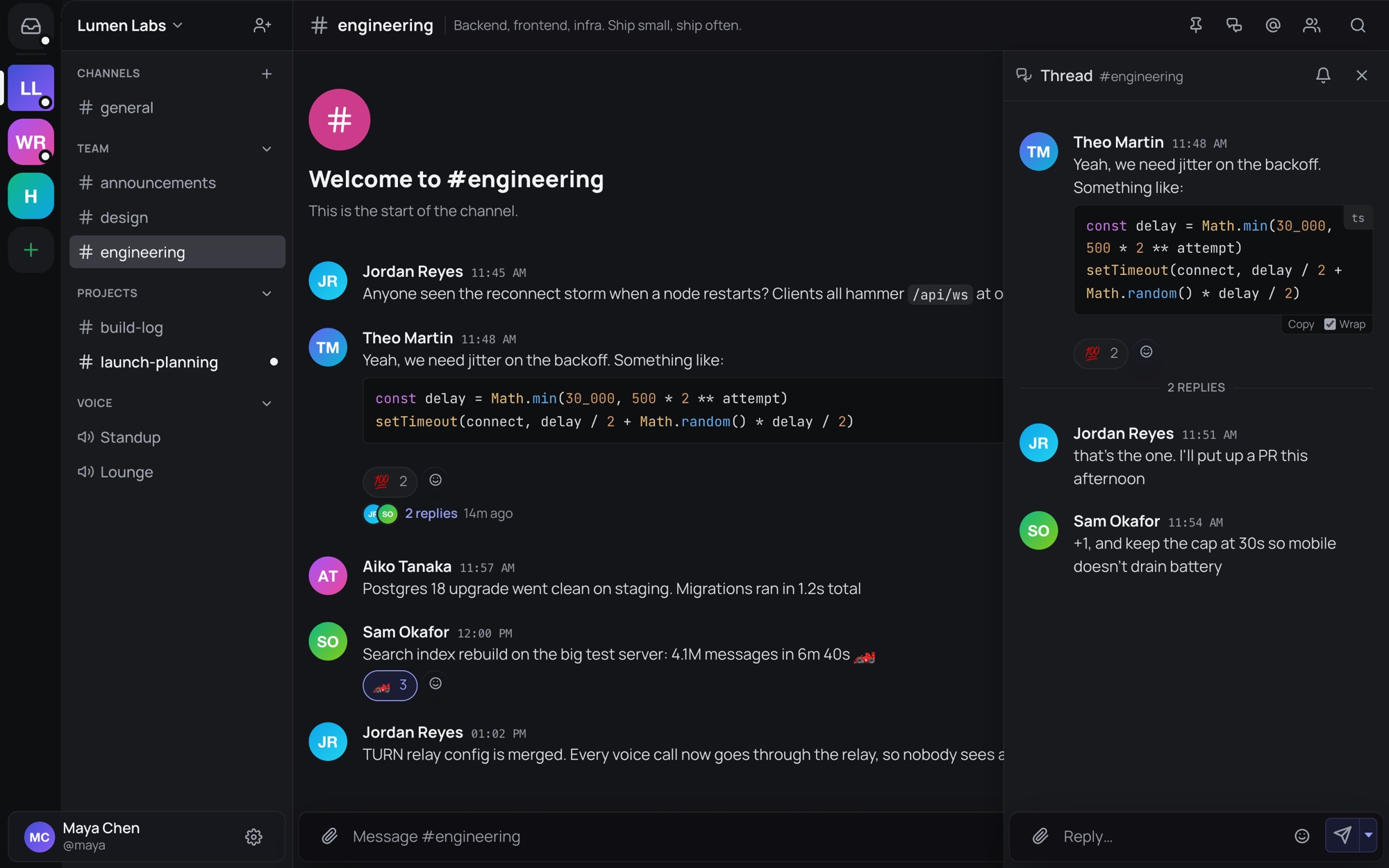
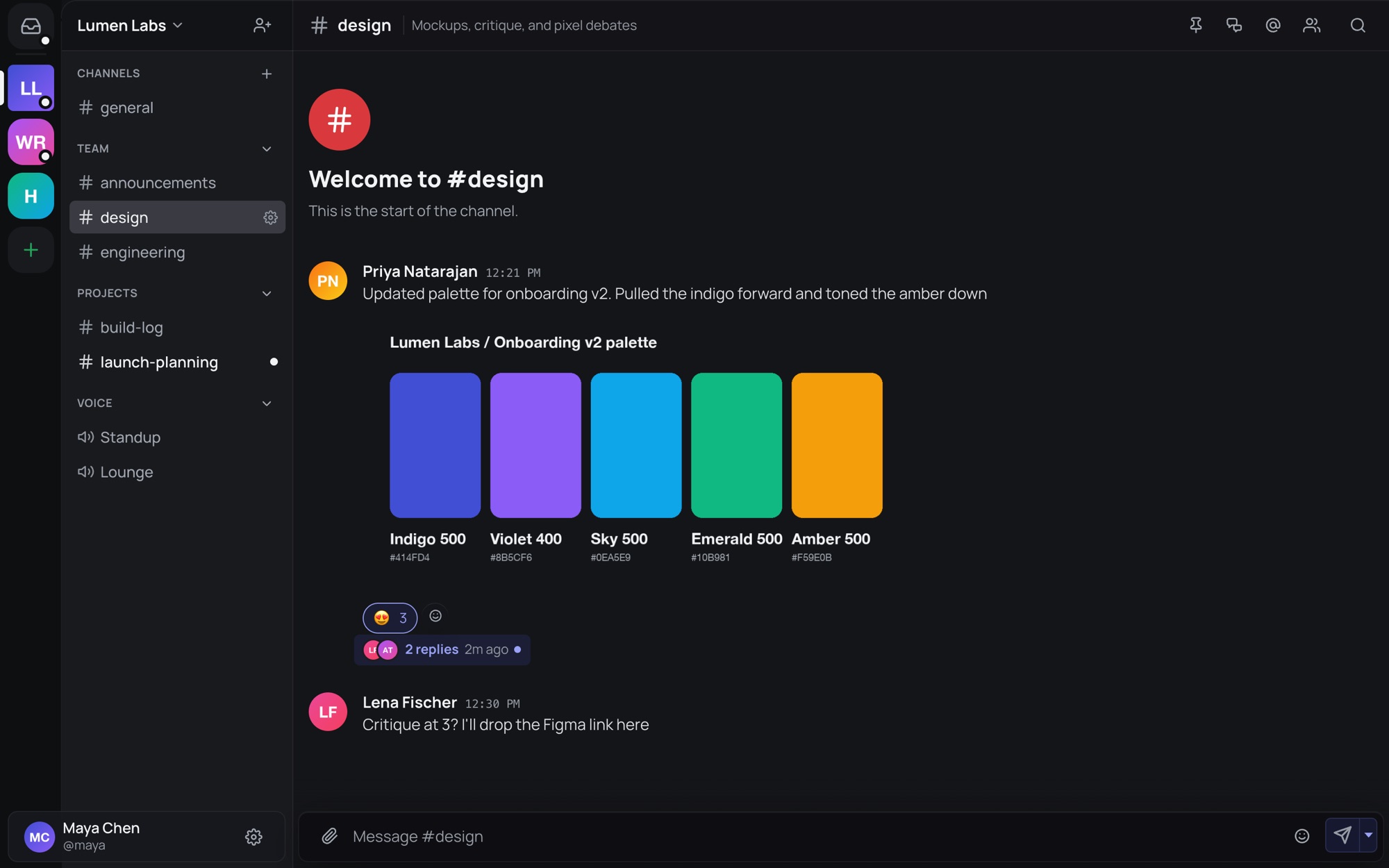
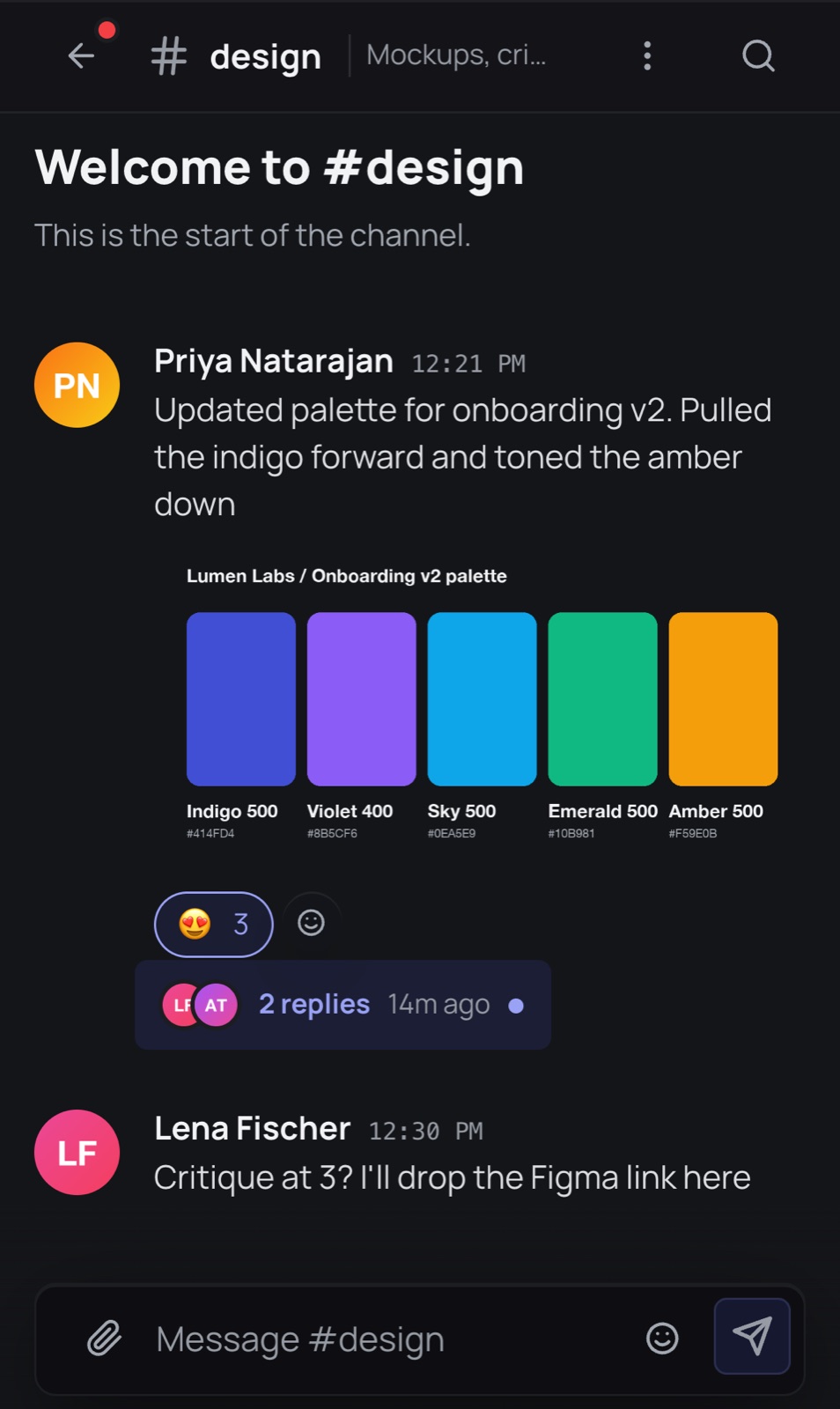
Threads keep busy channels readable
Reply in a thread from any message and the side conversation stays out of the main channel.
- Markdown and code blocks with syntax highlighting
- Reactions, pins, mentions and a recent threads menu
- Sections to group channels the way your team works
Voice and video, built into every server
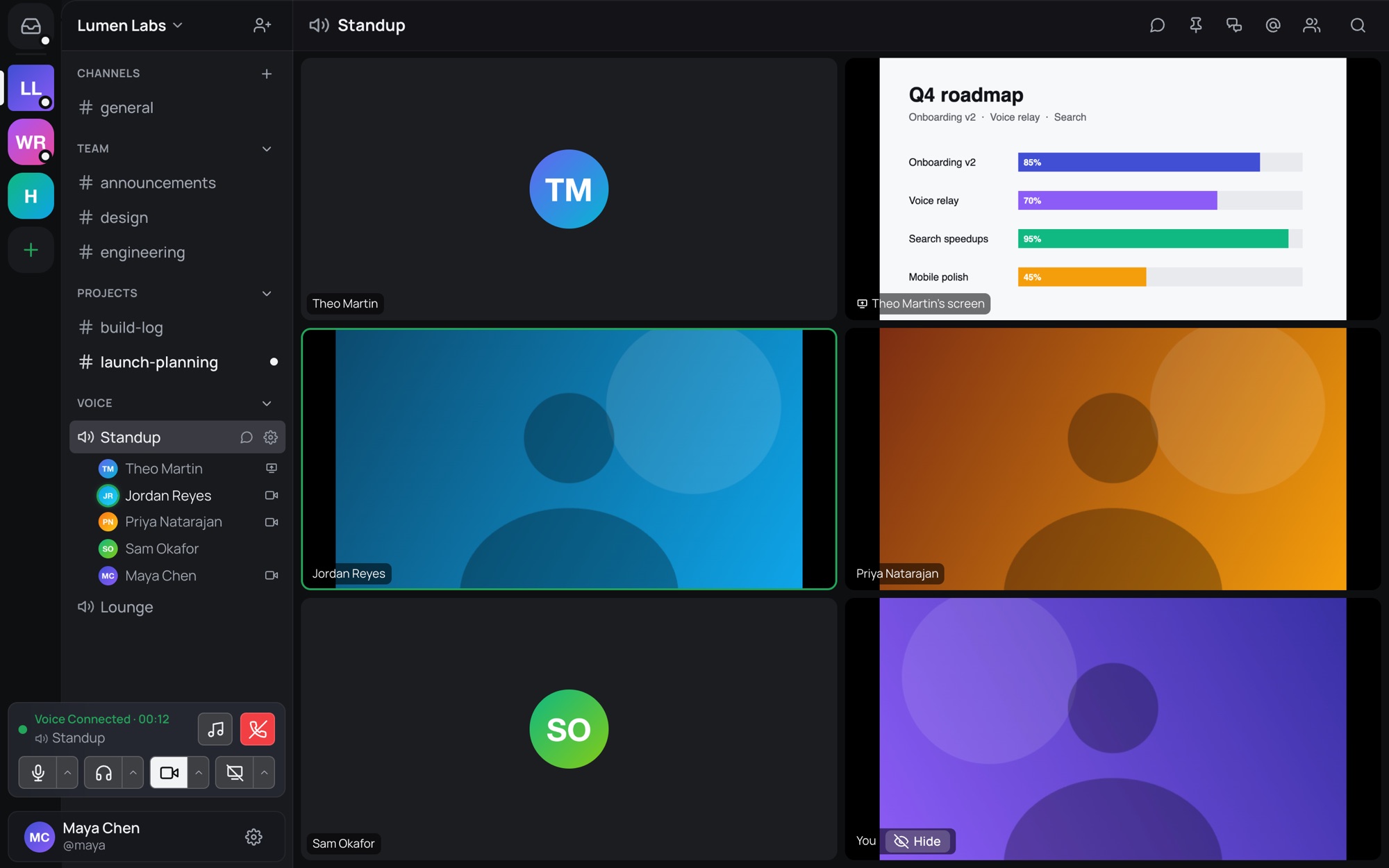
Drop into a voice channel to talk, turn your camera on, or share your screen with its audio.
- Calls go through a relay, so participants never see each other's IP address
- Noise suppression, speaking indicators and a full-screen stage
- A soundboard for the moments that need an airhorn
Find that message again
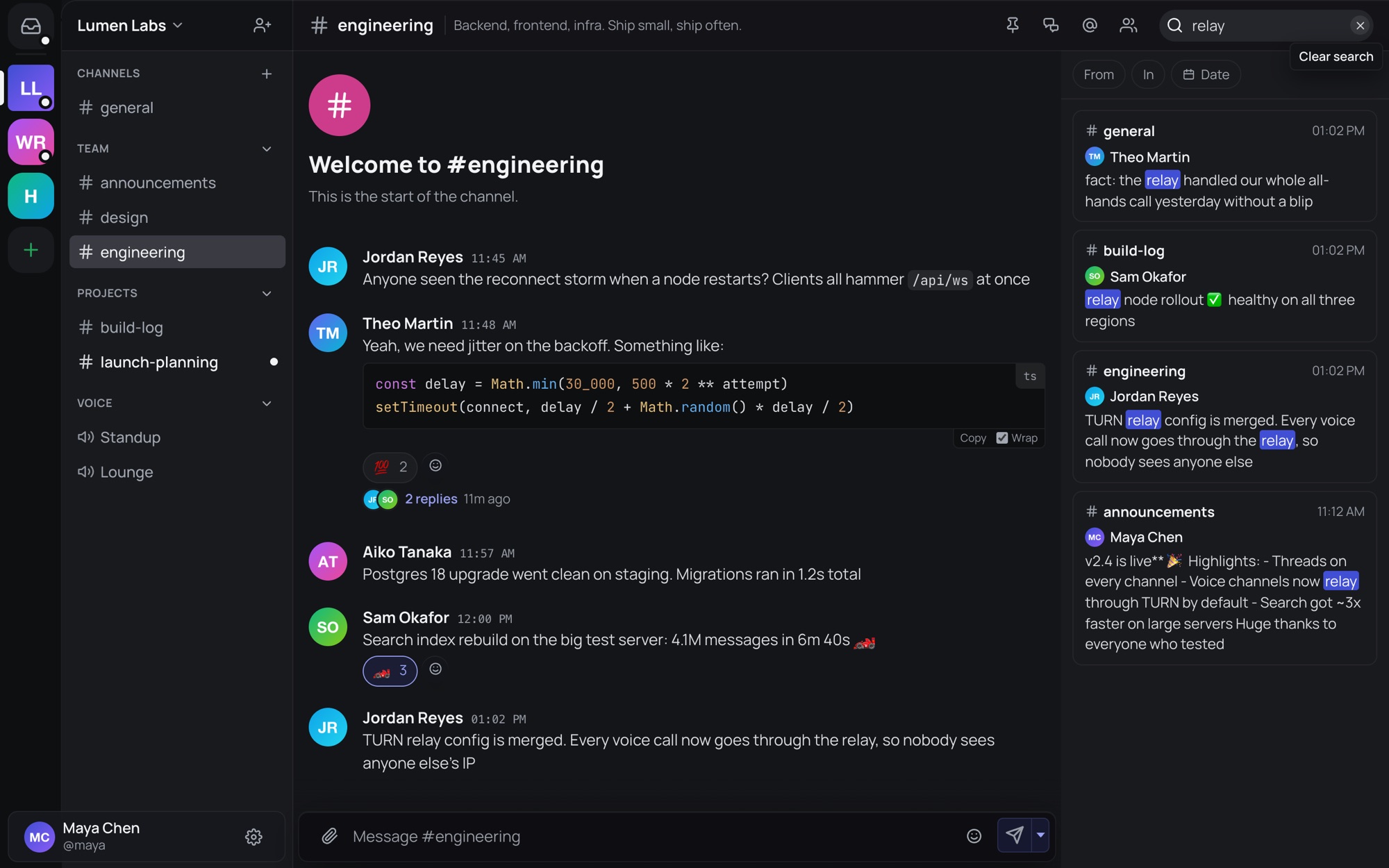
Search messages across your server and DMs. Filter by person, channel or date, then jump back into the conversation.
from:,in:,before:andafter:filters- Matches highlighted across every channel at once
Share files, images and links
Drop files into the chat or paste them from your clipboard. View images and play audio or video without leaving the conversation. The server fetches link previews without sharing your IP address with the linked site.
- Custom server emoji and GIF search
- Spoilers, slash commands and long-press reactions on mobile
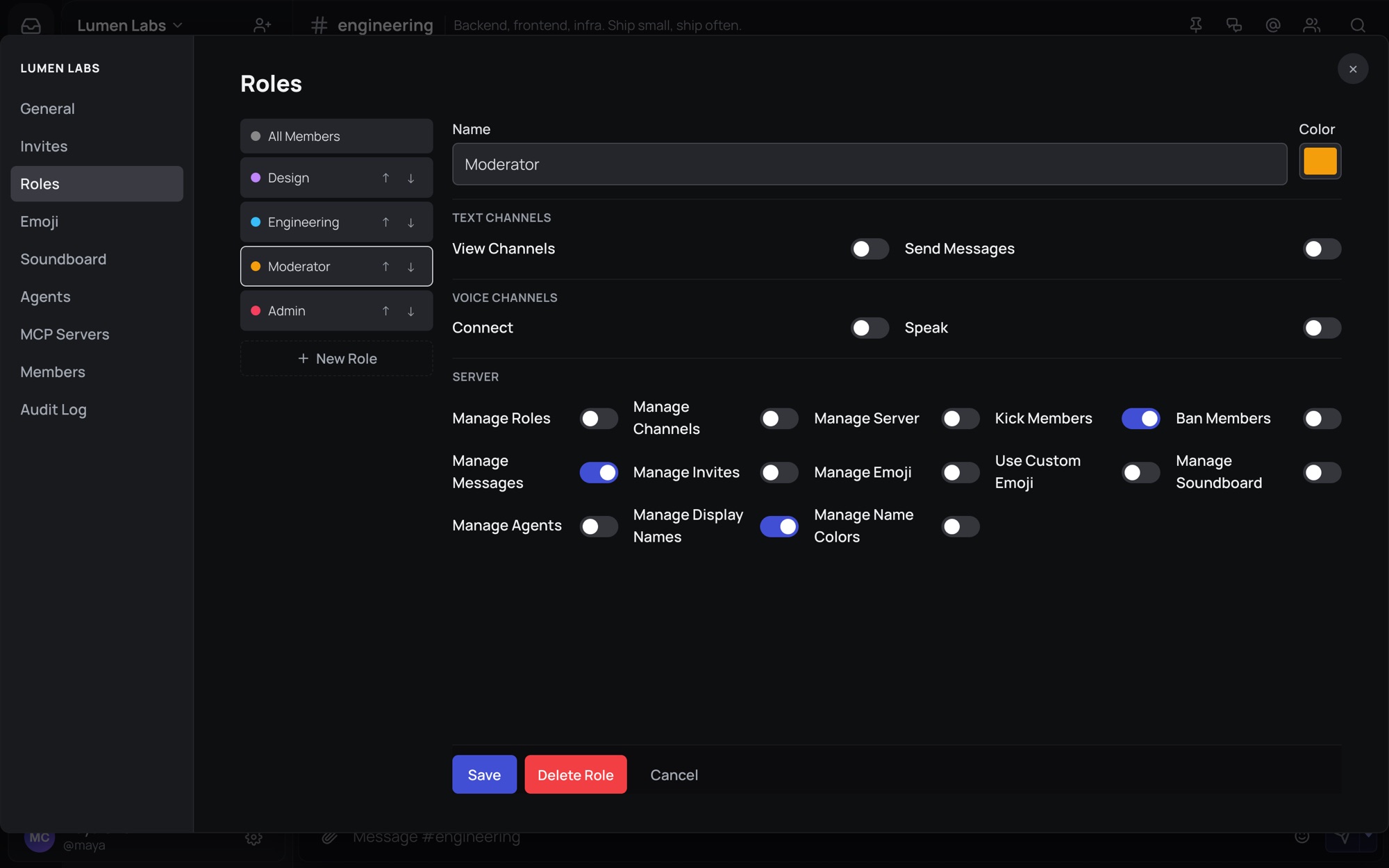
Roles, permissions and moderation
Choose what each role can do, and adjust access for individual channels. Moderators can mute, kick or ban members, with moderation actions recorded in the audit log.
- Colored roles and per-server display names
- Invite links with expiry and use limits
Choose how long messages stick around
Set how long a channel or DM keeps its history, from seconds to years. Or pick live-only mode, where nothing is saved in the first place.
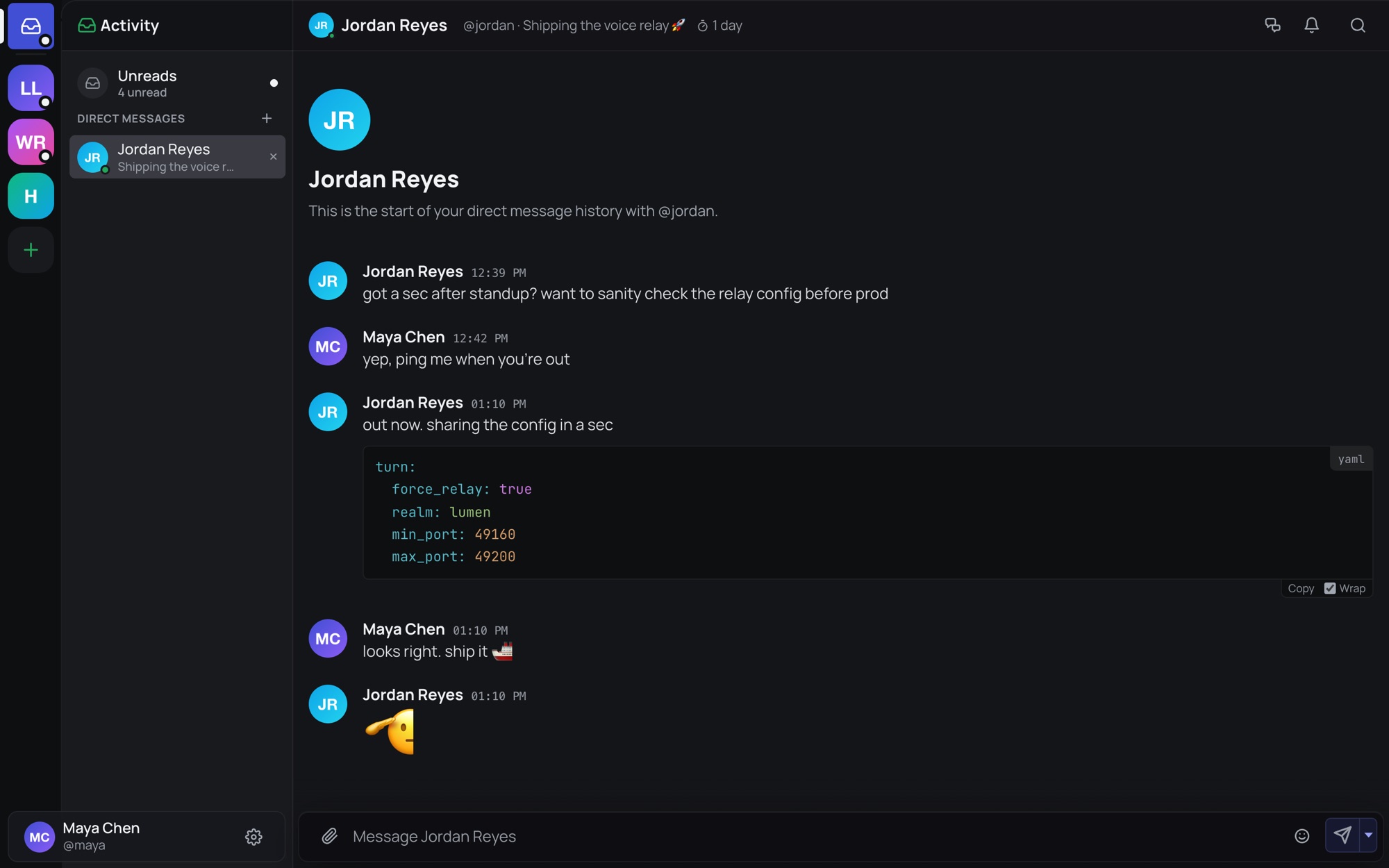
- Everyone in the conversation can see when messages expire
- Group DMs with typing and online status
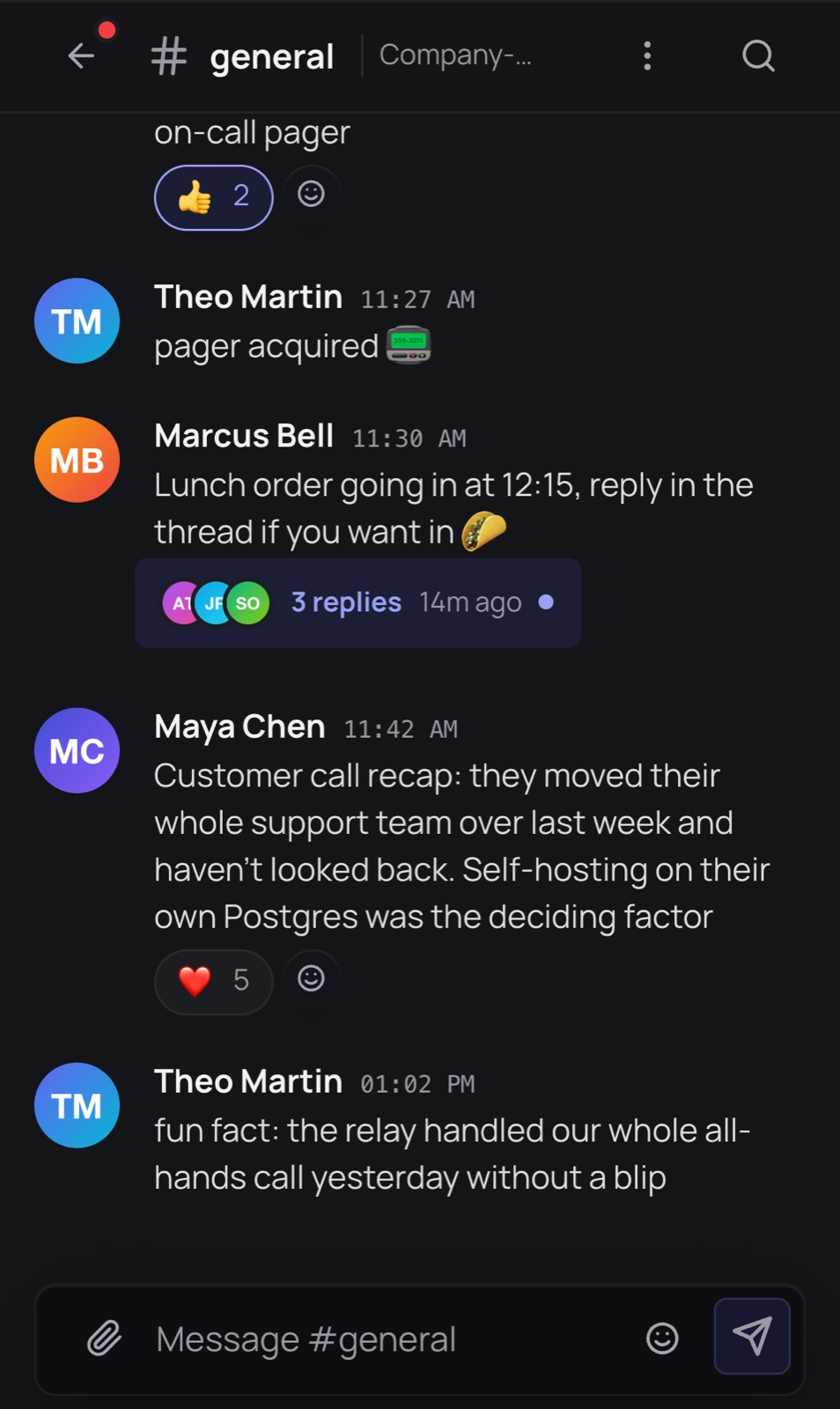
At your desk or on your phone.
Install hasht on your phone or desktop, or just open it in a browser. The apps connect to Hasht Cloud or any self-hosted server, and you can add more than one.
- Push notifications with quiet hours and snooze
- Share photos and files straight from your phone
- Desktop tray with unread badges
Built for daily use.
Notifications you control
Per-channel levels, quiet hours, snooze, and an option to hide message content on your lock screen.
Scheduled messages and drafts
Write now, send later. Drafts follow you between devices so you can finish a thought anywhere.
Catch up in one place
One feed with every unread message, mention and thread reply across all your servers and DMs.
Bring an AI agent into the conversation
Let an agent answer in channels and threads using OpenAI or a model you host. Connect MCP servers to give it access to your tools.
Webhooks and API tokens
Send alerts and GitHub events into channels with webhooks, or use personal API tokens to build your own integrations.
Sign in with a passkey
Use a passkey to sign in without a password.
Run it on our servers or yours.
Hasht Cloud is the easy way in. If you'd rather keep everything on your own hardware, the same app runs anywhere Docker does.
Self-host in one command
A single binary serves the app and API, backed by PostgreSQL. Migrations run on startup, and a TURN relay for calls is included.
No ads, no data sales, no training
We don't sell your data, share it for advertising, or train AI models on your messages. The apps contain no ad SDKs or third-party analytics.
Read the privacy policyJoin the private beta.
Tell us a little about your team or community and we'll send you an invite. Already in? Log in and pick up where you left off.